
Green Accessorized
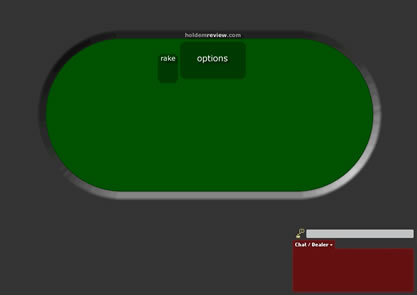
With these new layouts, I tend to accidentally click on the options button where the chip tray was that is now hidden. I have actually timed out a few times because of it. So here you have Green Accessorized. If you like this layout, let me know if you would like it in different colors. Just click “comments” at the bottom of this post.

Instructions
-
Click the Download Button at top.
-
Open My Computer > Program Files > WorldPX > Poker
-
Delete “Tablesâ€
-
In the folder you downloaded, copy the “Tables†folder, and paste it into the “Poker†folder in “WorldPXâ€
-
Open a new table and ENJOY!