
High Contrast Icons
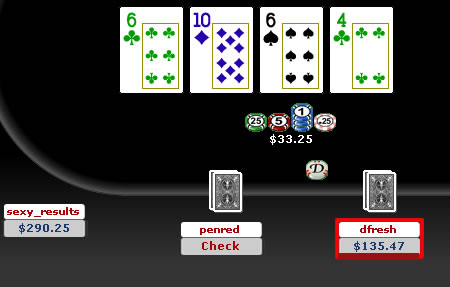
Here’s a new set of opponent icons. It is easier to read your opponents’ name and also to see the insanely small “player notes” asterisk.

Instructions
-
Click the Download Button at top.
-
Open My Computer > Program Files > WorldPX > Poker
-
Delete ‘Tables’
-
In the ‘simplegreen’ folder you downloaded, copy the ‘Tables’ folder, and paste it into the ‘Poker’ folder in ‘WorldPX’
-
Open a new table and ENJOY!